My Map Pin Disappeared Two Blocks Away Until I Found This Grid Error
My Map Pin Disappeared Two Blocks Away Until I Found This Grid Error
There is a specific kind of frustration that only a local business owner or a dedicated SEO professional can truly understand. It’s the “Proximity Paradox.” You’re standing in your storefront, you pull out your phone, and you search for your primary service. There you are – Number 1 in the Google Map Pack. You feel a surge of pride. Your google business profile seo is working. Or so you think.
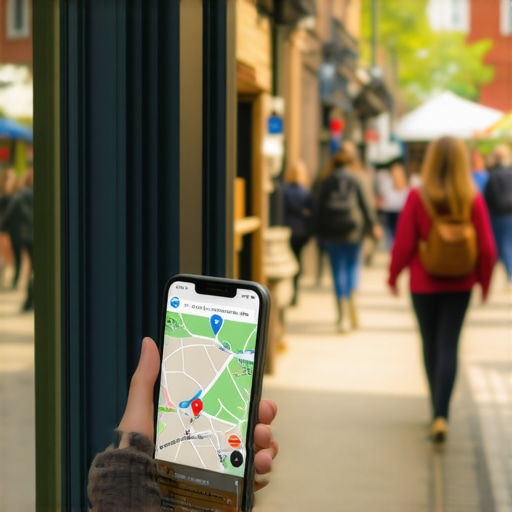
Then, you walk two blocks down the street to grab a coffee. You perform the exact same search. Suddenly, your business is gone. Not just moved down to position three or four, but completely vanished from the top 20 results. Your pin has dropped off the face of the earth. This isn’t a simple ranking fluctuation; it is a Grid Error – a fundamental failure of your profile to maintain authority beyond its immediate physical coordinates.
As a Local SEO Consultant and Google Business Profile Product Expert, I see this daily. Business owners assume that if they are #1 at their desk, they are #1 for the city. In reality, their visibility radius might be no larger than a parking lot. This “proximity collapse” is the silent killer of local leads. In this deep dive, we are going to diagnose why this happens and how you can fix it using modern local seo tools.
Before we dive into the technical solutions, it’s worth reading up on The Hidden Settings That Make Your Google Profile Invisible to Local Searchers to ensure you haven’t accidentally toggled off your own success.
Section 1: The Mystery of the Two-Block Vanishing Act
The “Grid Error” is a term I use to describe a profile that suffers from an extreme version of the “Proximity Filter.” Ever since the Possum update years ago, Google has prioritized the searcher’s physical location with aggressive precision. Google’s goal is to provide the most convenient result. However, when a profile is technically weak or lacks “Entity Authority,” Google’s algorithm refuses to “stretch” that business’s relevance beyond a few hundred yards.
When you experience a Grid Error, you are essentially witnessing a “proximity collapse.” Your business has enough relevance to show up when the searcher is practically touching the building, but it lacks the prominence to compete once the searcher moves into a different “node” of the local search grid. This is often caused by technical profile failures, such as category dilution or a lack of localized content signals.
In the world of google business profile seo, distance is a ranking factor you cannot change, but relevance and prominence are variables you can optimize to overcome the distance penalty. If your pin disappears two blocks away, Google is telling you that it doesn’t trust your business enough to recommend it over a competitor who might be slightly closer to the searcher at that moment – even if that competitor has fewer reviews or a worse website.
Section 2: Why Rankings Drop After Business Hours
One of the most jarring realizations for my clients is when they see their “grid” literally shrink to zero at 5:01 PM. You might be ranking in the top 3 all day, but the moment your office closes, you drop to position #25. This isn’t a glitch; it’s a feature of the modern algorithm.
Google’s algorithm heavily favors “Open Now” businesses. If a plumber is needed at 8:00 PM, Google doesn’t want to show a business that won’t answer the phone until 9:00 AM the next day. If your competitors are listed as “Open 24 Hours” (and they actually are) while you have standard 9-to-5 hours, your visibility grid will contract significantly the moment you clock out. To combat this, google business profile optimization must account for operational hours and how they align with search intent. You can learn more about this at google business profile seo, where we discuss how to balance real-world operations with algorithmic demands.
Furthermore, Google has become increasingly sophisticated at detecting “fake” 24-hour listings. If you claim to be open but your local seo tools show a drop in engagement or if Google’s AI calls your business and no one answers, you may face a trust penalty. It is vital to Verify 2026 Store Hours Instantly via Google Profile Tracker to ensure your data is accurate and competitive.
Section 3: Visualizing the “Grid Error” with Tracking Software
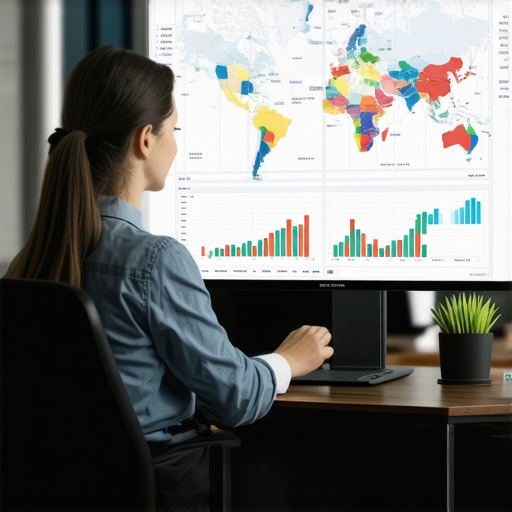
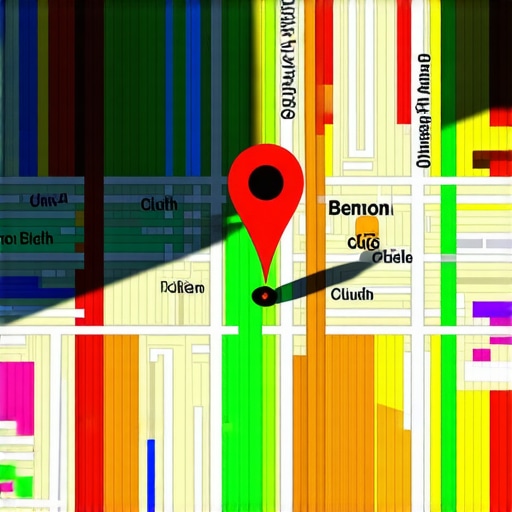
In the old days of SEO, we used “average rank.” We would say, “You rank #4 for ‘Dentist in Chicago’.” But that metric is dead. In 2026, we use grid tracking. A google maps rank tracker allows us to visualize ranking as a 13×13 or 15×15 grid of pins overlaid across a map of your city. Each pin represents a search performed from that specific coordinate.
A healthy profile shows a sea of green “1s,” “2s,” and “3s” expanding out from the business location. A “Grid Error” looks like a bright green dot in the center (where the office is) surrounded immediately by red “20+” dots just one or two nodes away. This visual representation is the only way to truly diagnose the health of a google maps ranking service.
I recently reviewed a case on a local search forum where a user was distraught because they had lost exactly 0.8 points in their average local search grid over three months. On the surface, 0.8 doesn’t sound like much. But when you looked at the grid, it meant their “Green Zone” had shrunk by half a mile in every direction. Despite having a high volume of 5-star reviews and weekly updates, their authority was leaking. They weren’t losing to better businesses; they were losing to a tightening proximity filter because their google maps seo hadn’t evolved with the latest algorithm shifts. You can see how this looks in practice by reading Grid Tracking Revealed Exactly Where My Business Disappears in the Map Pack.
To accurately diagnose these issues, I recommend using a professional google maps rank tracker like the one provided by SEO Viper. It allows you to see the “wall” where your rankings die, which is the first step to breaking through it.
Section 4: The 2026 Local Ranking Factors
The landscape of google business profile ranking has shifted. While the three pillars of Local SEO – Relevance, Distance, and Prominence – remain, the way Google calculates them has been transformed by AI and Search Generative Experience (SGE). We are now in the era of Hyperlocal SEO and Entity Authority.
Entity Authority vs. Keyword Density
In 2026, google business profile optimization is less about how many times you say “Plumber” in your description and more about how Google perceives your business as a “real-world entity.” Google looks for signals that confirm your business exists and is influential in its specific neighborhood. This is called “Prominence.” If your business is mentioned on local news sites, sponsors a local little league team, or is frequently searched for by name, your “Entity Authority” rises. This authority is what allows your map pin to “stretch” further away from your physical address, overcoming the proximity filter.
The Role of SGE and AI
Google’s AI-driven search now attempts to understand the context of a search. If someone searches for “best atmosphere for a business lunch,” Google isn’t just looking for the keyword “business lunch.” It is looking at review sentiment, photo metadata, and even the “vibe” described in user-generated content. If your profile lacks these nuanced signals, you will suffer a Grid Error for long-tail, high-intent searches. Using local seo ranking tools can help you identify which semantic keywords your competitors are winning on.
For a deeper look at these shifting sands, check out our guide on 8 Move-the-Needle Tips for Your Google Business Profile in 2026.
Section 5: Step-by-Step: How to Fix a Shrinking Proximity Radius
If you’ve identified a Grid Error, you need a systematic approach to fix it. You cannot simply “buy” your way out of a proximity filter; you have to earn Google’s trust back. Here is the workflow I use for my clients.
1. Category Audit: Stop Diluting Your Power
One of the most common causes of a Grid Error is “Category Dilution.” Many business owners think that adding 10 secondary categories will help them show up for more searches. In reality, it often confuses the algorithm. If you are a “Personal Injury Lawyer,” but you also list “Estate Planning,” “Criminal Defense,” and “Notary Public,” Google may view you as a “jack of all trades, master of none.” This weakens your primary relevance. Use a google business profile audit tool to see which categories your top-ranking competitors are using and trim the fat.
2. Citation Cleanup and NAP Consistency
If your Name, Address, and Phone number (NAP) are inconsistent across the web, Google’s “trust” in your physical location drops. If one directory says “Suite 200” and another says “Ste. 200,” or if your old phone number is still floating around on a random Yelp-clone, Google may hesitate to rank you far from your office because it isn’t 100% sure where you are. A clean, consistent citation profile is the foundation of rank higher on google maps. Manual audits take forever, which is why I recommend using local seo automation tools to handle the heavy lifting.
3. Local Signal Building
To expand your grid, you need to prove you are relevant to the surrounding areas, not just your specific block. This is where city page seo and a local seo content strategy come into play. Create content on your website that mentions specific neighborhoods, landmarks, and local events. When Google crawls your site and sees a strong connection to “Downtown,” “The West End,” and “The Heights,” it will be more likely to show your google business profile to searchers in those areas. You can see how I automated this process in my article: I Replaced Hours of Manual Audits with One Automated SEO Tool Workflow.
4. Targeted Geo-Signals
Upload photos to your profile that are taken in the surrounding neighborhoods (if you are a service-area business). Ensure your reviews mention specific locations. If a customer says, “Great service in [Neighborhood Name]!”, that is a massive signal to Google to expand your ranking grid into that neighborhood.
If you are struggling with these technical steps, seeking a professional google maps ranking service can provide the expertise needed to break through the proximity wall and rank in the google map pack consistently.
Section 6: Conclusion & The Path to Map Pack Dominance
The “Grid Error” is not a permanent sentence; it is a diagnostic signal. It’s Google’s way of telling you that your profile’s authority is currently too weak to overcome the convenience of distance. As I always say, “Local SEO isn’t marketing. It’s infrastructure.” You are building a digital foundation that tells Google exactly who you are, what you do, and most importantly, where you deserve to be seen.
Stop checking your rankings from your office desk. That is the most biased data you can possibly get. Instead, use SEO Viper or similar local seo software to see the real map. Visualize your grid, identify the “dead zones,” and apply the fixes we’ve discussed. Whether it’s cleaning up your citations, refining your categories, or building hyperlocal entity authority, every step you take expands your radius of influence.
Don’t let your business be a “secret” to someone living just three blocks away. Fix your grid, build your prominence, and claim your spot at the top of the Map Pack.